Restaurant Software – 2026 Practical Guide and Review
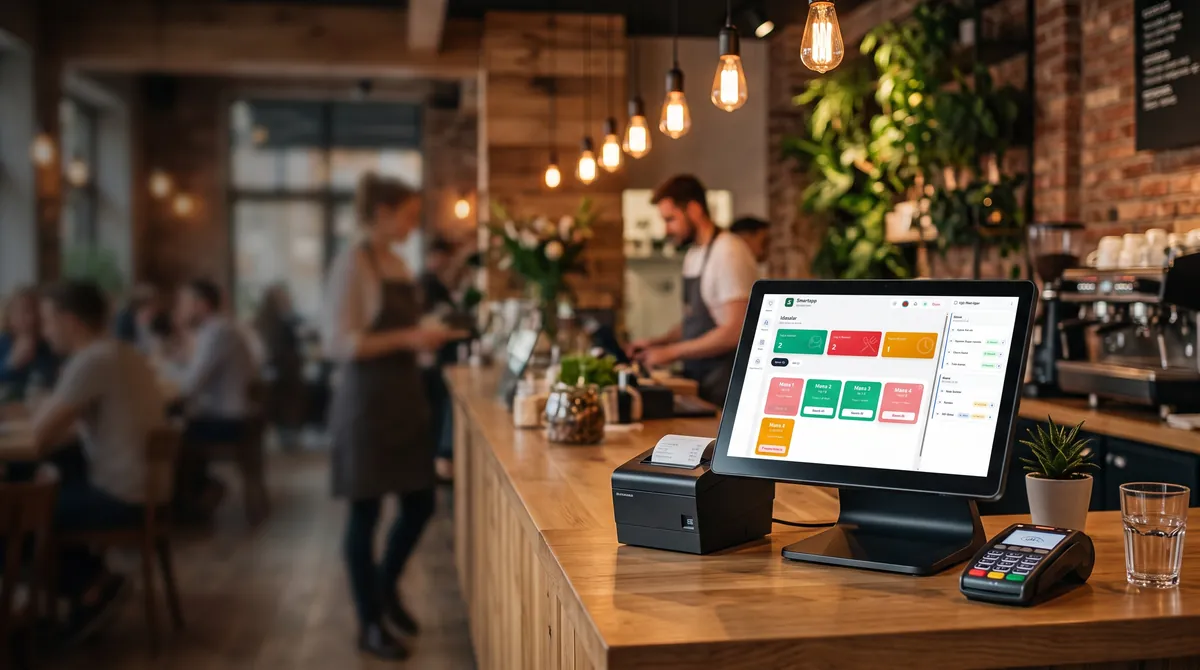
Restaurant Software – 2026 Practical Guide and Review
Modern restaurant business can no longer succeed with just delicious food and a beautiful interior. In Baku and other major cities, where competition is increasing every day, using restaurant software to manage customer flow, accurately calculate costs, and efficiently coordinate the team is no longer a luxury—it's a necessity. In 2026, technologies in this field have advanced so rapidly that choosing the right solution for your business has become challenging. In this guide, we will thoroughly explore the types of restaurant software, selection criteria, pricing models, and practical application examples.
What is restaurant software and why is it important?
Restaurant software is a software solution that automates a restaurant's daily operations, records orders, ensures communication between the kitchen and the dining area, and unifies inventory, staff, and financial processes on a single platform. It covers a wide spectrum, from a simple cash register to fully integrated POS (Point of Sale) and ERP systems.
In 2026, restaurant software offers the following key functions:
Order management — managing dine-in, delivery, takeaway, and online orders from a single hub
Menu and price management — dynamic pricing, promotions, and discount modules
Inventory and stock tracking — real-time stock level monitoring, automatic reorder suggestions
Staff management — shift scheduling, work hour calculation, performance analytics
Financial reporting — automatic generation of revenue, expense, profit, and tax reports
Customer relationship management (CRM) — loyalty programs, personalized offers, feedback management
> If restaurant software is not chosen correctly, it becomes an additional burden instead of accelerating the business. Therefore, the selection stage is the most critical step.
Main types of restaurant software in 2026
Solutions on the market can be divided into several categories. To determine which one suits you, you need to know your business model precisely.
1. Cloud-based (SaaS) restaurant software
These types of software work over the internet and do not require server installation. They are sold on a monthly or annual subscription model.
Advantages:
Low initial cost
Automatic updates and technical support
Access from any device (phone, tablet, computer)
Easy multi-branch management
Disadvantages:
Work may stop if the internet goes down
Subscription costs may be high in the long term
Data is stored on external servers
2. On-premise restaurant software
The software is installed on the restaurant's own server or computer. A one-time license fee is paid.
Advantages:
Not dependent on the internet
Data is fully under your control
Extensive customization options
Disadvantages:
High initial investment
You must manage updates yourself
Recovery process may take long in case of technical failures
3. Hybrid solutions
A modern approach that combines both on-premise and cloud functions. The cash register works locally, while analytics and reports are synchronized to the cloud. This is the most preferred model in 2026.
7 criteria to consider when choosing restaurant software
To choose the right restaurant software, systematically evaluate the following criteria:
Fit for business size — a small cafe and a restaurant with 5 branches do not need the same solution.
Integration capabilities — compatibility with accounting software, delivery platforms, bank terminals.
User interface — simplicity that waiters can learn within 5 minutes.
Language support — interface in Azerbaijani, Russian, and English is critical.
Technical support — 24/7 support and a local vendor is a big advantage.
Security — data encryption, backup, PCI DSS compliance.
Pricing model — presence of hidden costs, scalability.
> The most common mistake when choosing restaurant software is focusing only on price. A cheap solution can end up costing more later.
Pricing models: how much should you pay?
In 2026, restaurant software prices vary widely depending on business size:
Business type | Monthly subscription (AZN) | Initial setup |
|---|---|---|
Small cafe | 50–150 | 0–300 |
Medium restaurant | 150–400 | 300–800 |
Large restaurant | 400–900 | 800–2000 |
Multi-branch chain | 900+ | Custom pricing |
Calculating menu prices correctly also increases the effectiveness of the software. On this topic, the article Restaurant Menu Pricing Calculation Method 2026 – Step‑by‑Step Guide provides practical formulas.
The impact of restaurant software on real business
Software is not just a technological tool; it is a factor that directly affects profit. The following figures clearly demonstrate this:
Cost reduction: Inventory tracking reduces food waste by 15–25%.
Order speed: Automation cuts waiter time by 30%.
Customer return visits: CRM module increases loyalty by 20–40%.
Financial transparency: Daily reports completely replace manual work.
Practical example: A medium restaurant in Baku
Suppose you run an 80-seat restaurant in the center of Baku. Your monthly turnover is 60,000 AZN. Before implementing restaurant software:
Food waste: 8% (4,800 AZN)
Order errors: 5% (3,000 AZN)
Inventory time: 40 hours per month
After implementing the software:
Food waste: 4% (2,400 AZN) — annual savings 28,800 AZN
Order errors: 1% (600 AZN) — annual savings 28,800 AZN
Inventory time: 10 hours — 30 hours saved monthly
These figures show that a correctly chosen restaurant software pays for itself within 3–6 months.
Choosing software when opening a new restaurant
If you are starting a business, along with software selection, you must also properly plan legal and administrative procedures. You can find comprehensive insights for opening a restaurant in Baku in our practical guide: How to Open a New Restaurant in Baku – Complete 2026 Guide.
Steps for choosing software for a new restaurant
Identify needs — how many cash registers, how many waiters, is there delivery?
Calculate budget — plan initial and monthly costs separately.
Test demo versions — try at least 3 solutions.
Check references — talk to restaurants using it in similar businesses.
Prepare a migration plan — clarify the process of transferring existing data.
Modern features that must be in restaurant software
In 2026, the expected functionality of restaurant software is rapidly expanding. The following features are now considered standard:
QR menu and self-service — customers order themselves, reducing waiter load
Artificial intelligence analytics — sales forecasting, identifying peak hours
Multi-channel ordering — direct integration with Wolt, Bolt Food, Yemeksepeti
Online reservation — automatic table booking and confirmation process
Electronic invoice and e-invoice — integration with tax authorities
Mobile app — owner can monitor business from anywhere
> AI-based analytics is the fastest-growing segment of restaurant software in 2026. Solutions offering this feature are stronger in the long term.
The Premier Solution for Hospitality: SmartApp Business Panel
To eliminate front-of-house friction, maintain absolute inventory control, and maximize profit margins, SmartApp provides an all-in-one cloud management ecosystem. Through the intuitive SmartApp Business Panel, managers and restaurant owners unlock key operational capabilities:
Instant Waiter & Kitchen Synchronization: Orders taken table-side instantly route to kitchen display systems (KDS) or thermal printers, cutting order delivery time by up to 30%.
Automated Food Costing & Inventory Deductions: Recipe-based deductions automatically decrement raw ingredients upon every sale, preventing kitchen waste and discrepancy.
Offline Operational Continuity: Service continues uninterrupted even when internet connectivity drops, synchronizing automatically once restored.
Seamless Fiscal & Tax Compliance: Full alignment with next-generation online fiscal registers and digital invoice (e-qaimə) mandates.
For entrepreneurs and marketing affiliates interested in extra income streams in HoReCa, the SmartApp Partner Program: Earn Up to 30% | Restaurants & Gaming Halls provides attractive commission opportunities.
Frequently asked questions (FAQ)
How long does it take to implement restaurant software?
For small businesses, it takes 1–3 days; for a medium restaurant, 1–2 weeks; for a multi-branch chain, 3–6 weeks. This period includes data migration and staff training.
Should I choose cloud-based or on-premise software?
If your internet connection is stable and you need multi-branch management, a cloud-based system is the optimal choice. If your internet connection frequently drops, hybrid or offline-capable solutions should be preferred.
Is integration with existing equipment possible?
Yes, most modern restaurant software integrates seamlessly with standard thermal receipt printers, barcode scanners, scales, and bank terminals.
Conclusion and Final Recommendations
In 2026, successful restaurant management rests on strong digital foundations. The right restaurant software reduces operating expenses, minimizes stock losses, and significantly enhances staff productivity. Elevate your venue ahead of the competition by choosing software built for modern operational demands.
To end operational bottlenecks, automate stock accounting, and unlock real-time financial clarity, visit SmartApp and register via the official SmartApp Registration page. You can then log in and manage your day-to-day venue operations seamlessly through the SmartApp Business Panel.
Share
Reviews
No approved reviews yet.
Related articles
 starFeaturedBusiness Tips
SmartApp Partner Program: Earn Up to 30% | Restaurants & Gaming Halls
Join SmartApp's partner program and earn up to 30% commission. Ideal for restaurants and game halls looking to boost revenue with a reliable partner.
 starFeaturedHow to Use
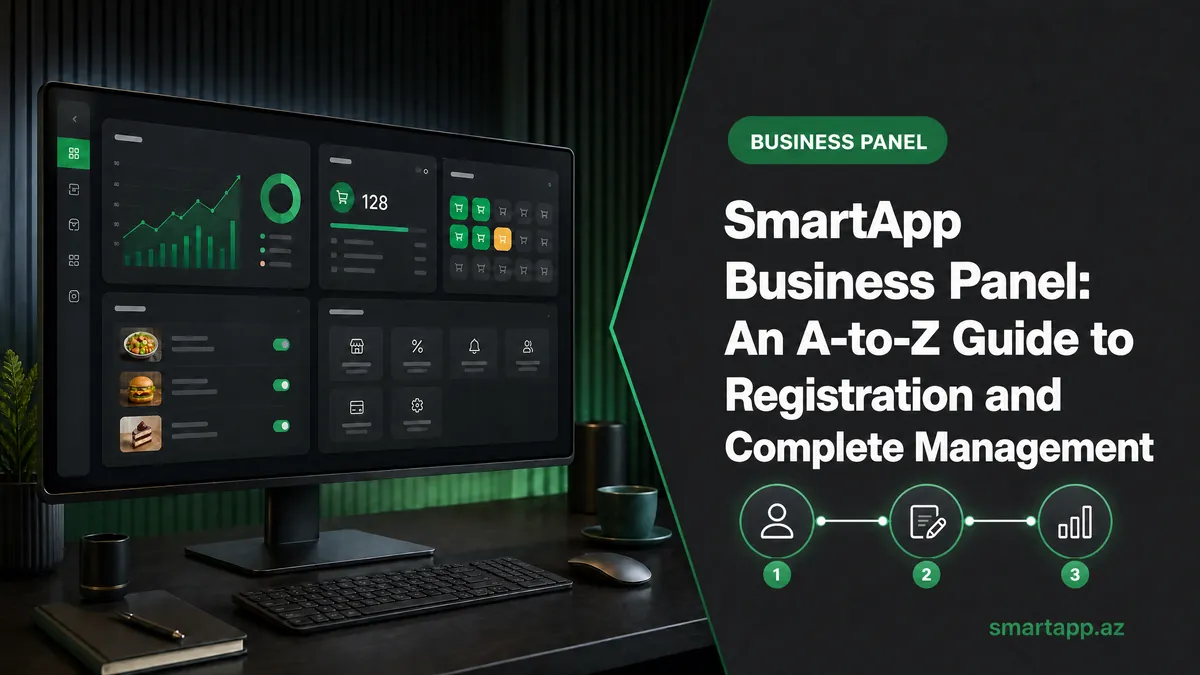
SmartApp Business Panel: A-to-Z Registration and Full Management Guide
Step-by-step illustrated guide covering everything from registering on the SmartApp.az system to managing tables, menus, QR orders, cash register, and staff.
 starFeaturedHow to Use
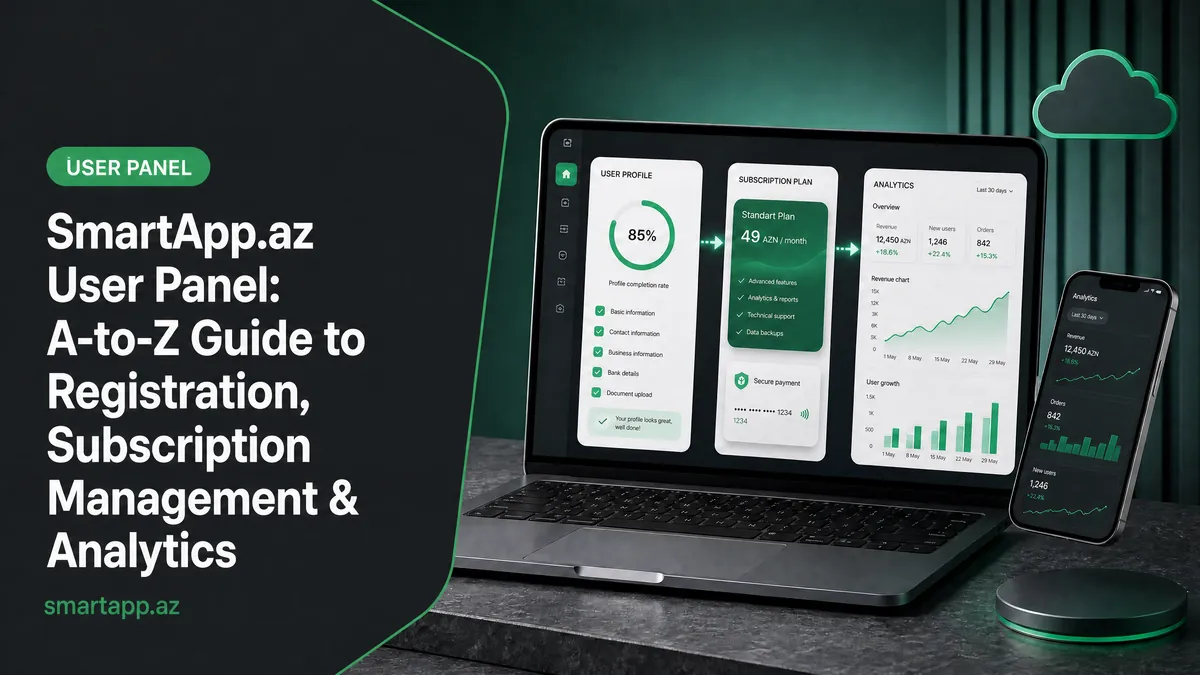
SmartApp.az User Panel: A to Z Guide for Registration, Subscription Management, and Analytics
A complete guide to the SmartApp.az user panel, covering everything from logging in, choosing subscription plans, payments, invoices, sales analytics, and location settings.