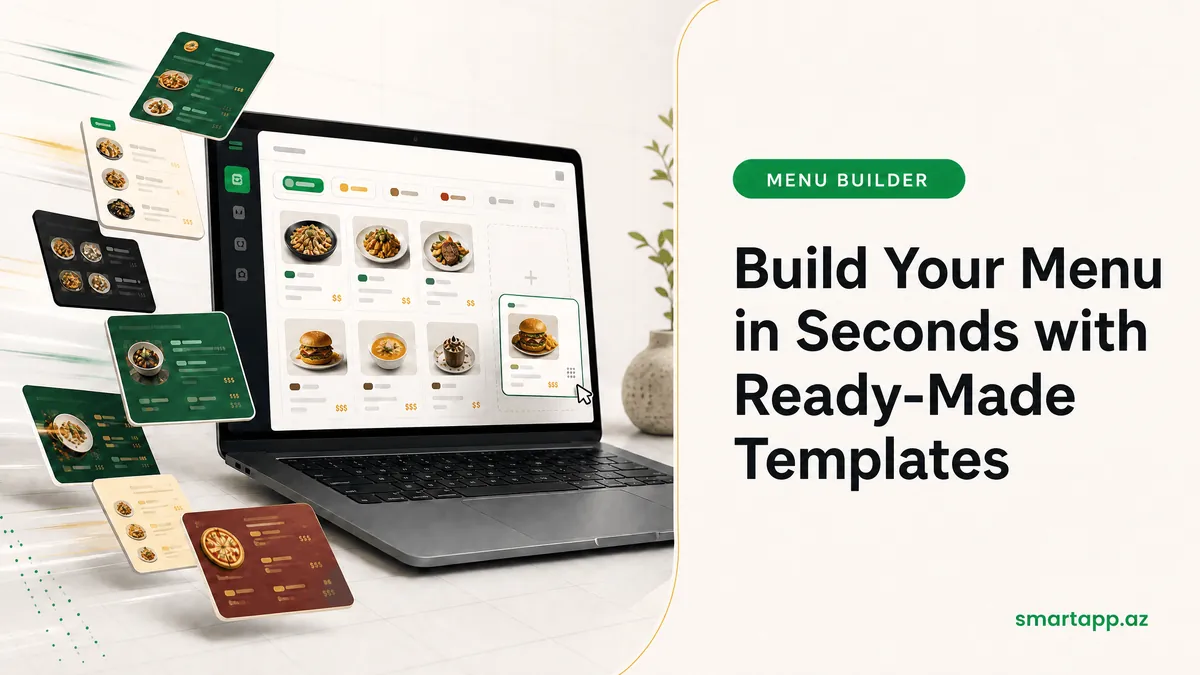
Build Your Menu in Seconds with Ready Templates
Creating your menu from scratch takes time. With SmartApp.az's ready‑made menu templates, you can build your menu in minutes by selecting from hundreds of products. Read this guide to learn how to use templates.
1. Accessing the Templates Section
Go to Settings → Menu. Click the Select from Menu button at the top of the screen. This opens the system's pre‑built menu templates.
2. Choosing a Template
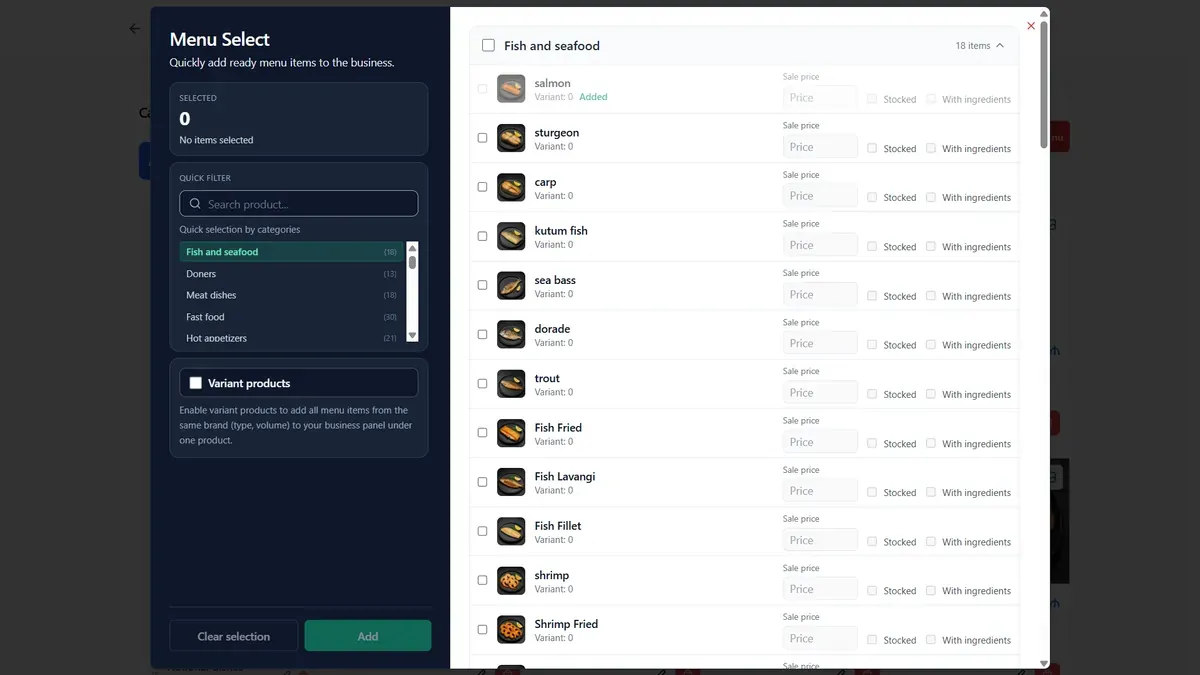
In the dialog that opens, ready‑made products are shown by category (e.g., Meat Dishes, Seafood, Beverages). Check the box next to the items you want and click Add.
To select an entire category, click the "select all" checkbox next to it.
The number of selected items is displayed at the bottom of the screen.
3. Customizing Products
After importing from a template, you can edit each product's name, price, and image. Templates serve as a starting point — you customize them to fit your restaurant.
4. Displaying to Customers via QR Menu
After completing your menu, a QR code is generated. Customers can scan the QR code at their table to browse your digital menu and place orders — without needing a waiter.
Why Choose Ready‑Made Templates?
Using ready‑made templates reduces menu setup time by up to 80%. With SmartApp.az, you can quickly take your restaurant digital!
Share
Reviews
No approved reviews yet.
Related articles
 starFeaturedHow to Use
SmartApp Business Panel: A-to-Z Registration and Full Management Guide
Step-by-step illustrated guide covering everything from registering on the SmartApp.az system to managing tables, menus, QR orders, cash register, and staff.
 starFeaturedHow to Use
SmartApp.az User Panel: A to Z Guide for Registration, Subscription Management, and Analytics
A complete guide to the SmartApp.az user panel, covering everything from logging in, choosing subscription plans, payments, invoices, sales analytics, and location settings.
 How to Use
Smart Control of Restaurant Inventory & Raw Material Stock: A Step-by-Step Guide
A complete guide to registering raw materials, assigning ingredients to dishes, and managing automatic depletion using the SmartApp.az inventory module.