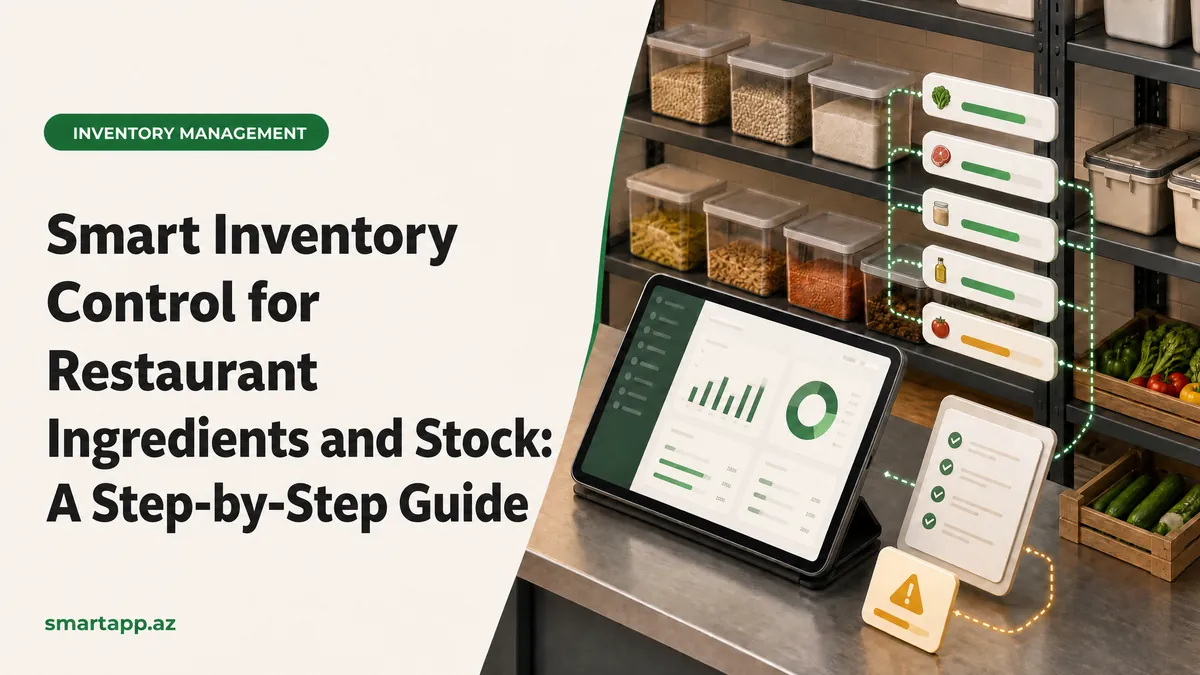
Smart Control of Restaurant Inventory & Raw Material Stock: A Step-by-Step Guide
In food service management, tight inventory control is the cornerstone of profitability. Food waste, unaccounted spoilage, or out-of-stock essentials directly harm the bottom line. The SmartApp.az Inventory & Recipe Module empowers restaurant owners with real-time stock deduction and automated recipe cost management.
1. Registering Raw Ingredients in Inventory
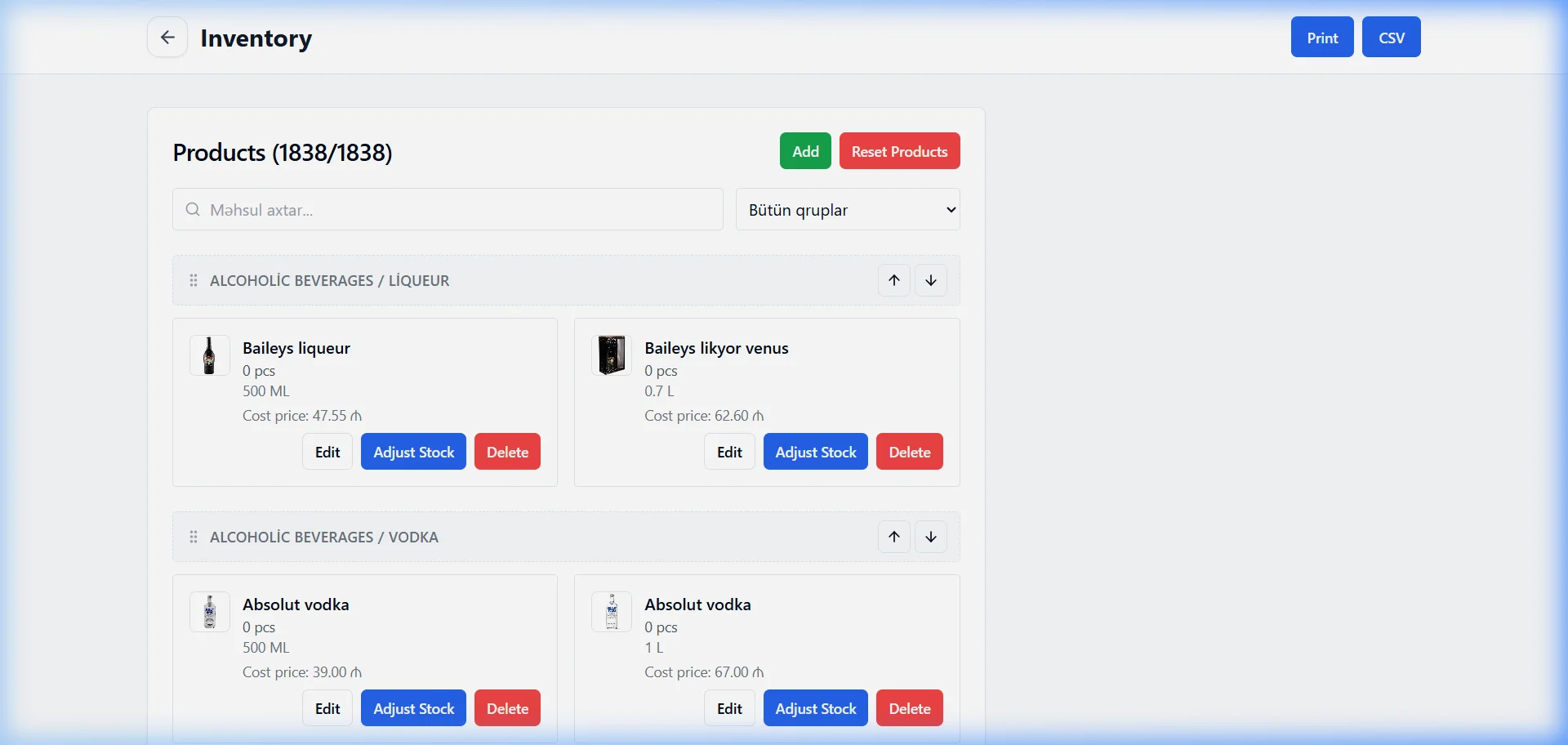
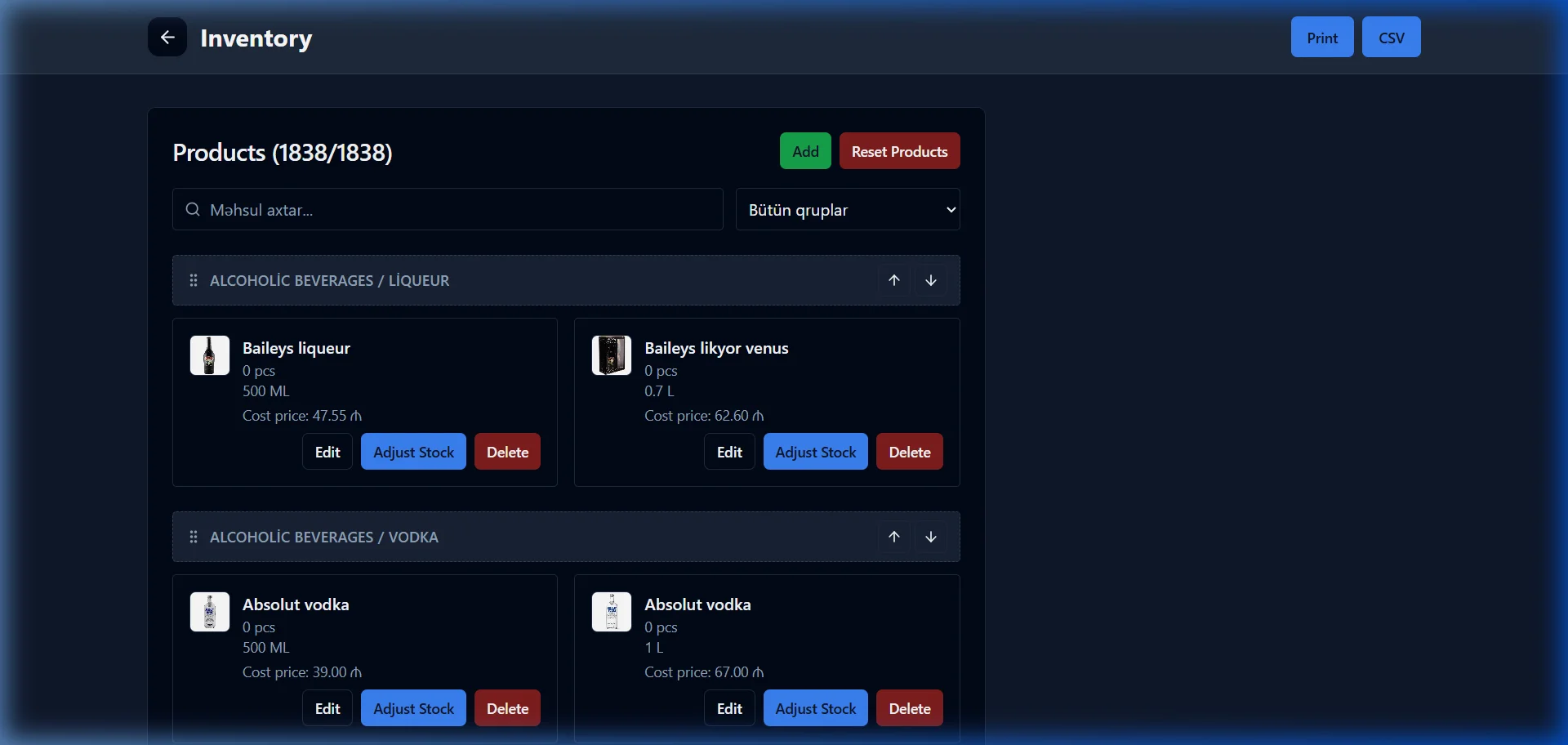
Navigate to Settings -> Inventory to set up all kitchen consumables (kg, g, liters, units, portions):
Ingredient Name & Category: Meats, Dairy, Produce, Bakery, Sauces, and Packaging.
Unit Measurement & Purchase Price: Record purchase costs per unit for dynamic Food Cost calculation.
Current On-Hand Quantity: Enter baseline counts verified during physical audits.
2. Dish Recipes & Automated Stock Depletion
Link dish items to raw ingredients with defined proportions. When an order is rung up at the POS or placed via QR menu, the system immediately deducts:
150g Ground Beef Patty
1 Brioche Bun
30g Cheddar Slice
20g Signature Sauce
This eliminates manual tallying and guarantees real-time stock visibility across all shifts.
3. Low Stock Alerts & Recipe Margin Optimization
Threshold Alerts: Set minimum safety stock alerts (e.g., alert manager when coffee beans drop below 2 kg).
Cost of Goods Sold (COGS): Instantly compare raw ingredient cost against retail menu price to identify high-profit stars.
Share
Reviews
No approved reviews yet.
Related articles
 starFeaturedHow to Use
SmartApp Business Panel: A-to-Z Registration and Full Management Guide
Step-by-step illustrated guide covering everything from registering on the SmartApp.az system to managing tables, menus, QR orders, cash register, and staff.
 starFeaturedHow to Use
SmartApp.az User Panel: A to Z Guide for Registration, Subscription Management, and Analytics
A complete guide to the SmartApp.az user panel, covering everything from logging in, choosing subscription plans, payments, invoices, sales analytics, and location settings.
 How to Use
How to Increase Order Preparation Speed with a Kitchen Display System (KDS)
Discover how SmartApp.az’s Kitchen Display System (KDS) digitizes order flow, cuts preparation time by up to 40%, and keeps waitstaff instantly notified.