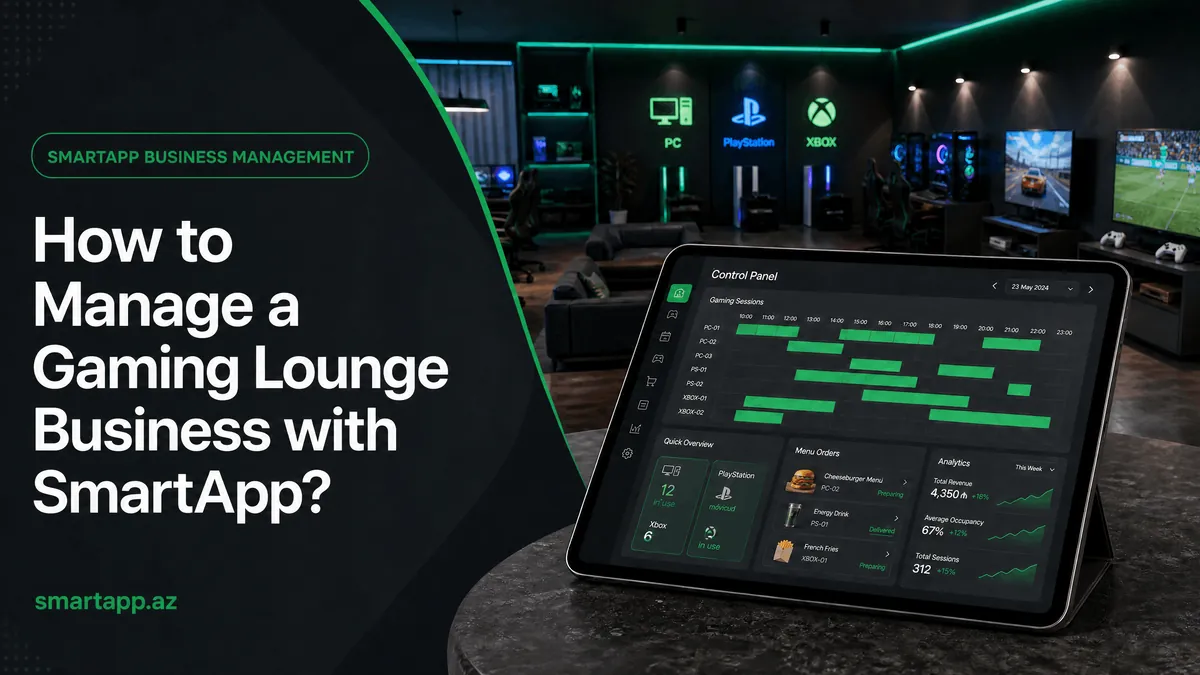
How to Manage a Gaming Hall Business with SmartApp
Managing a gaming lounge is different from a restaurant — hourly rates, active timers, table statuses. SmartApp.az's Game Room mode fully automates these processes. Learn how to set up the system from scratch with this guide.
1. Activating Game Room Mode
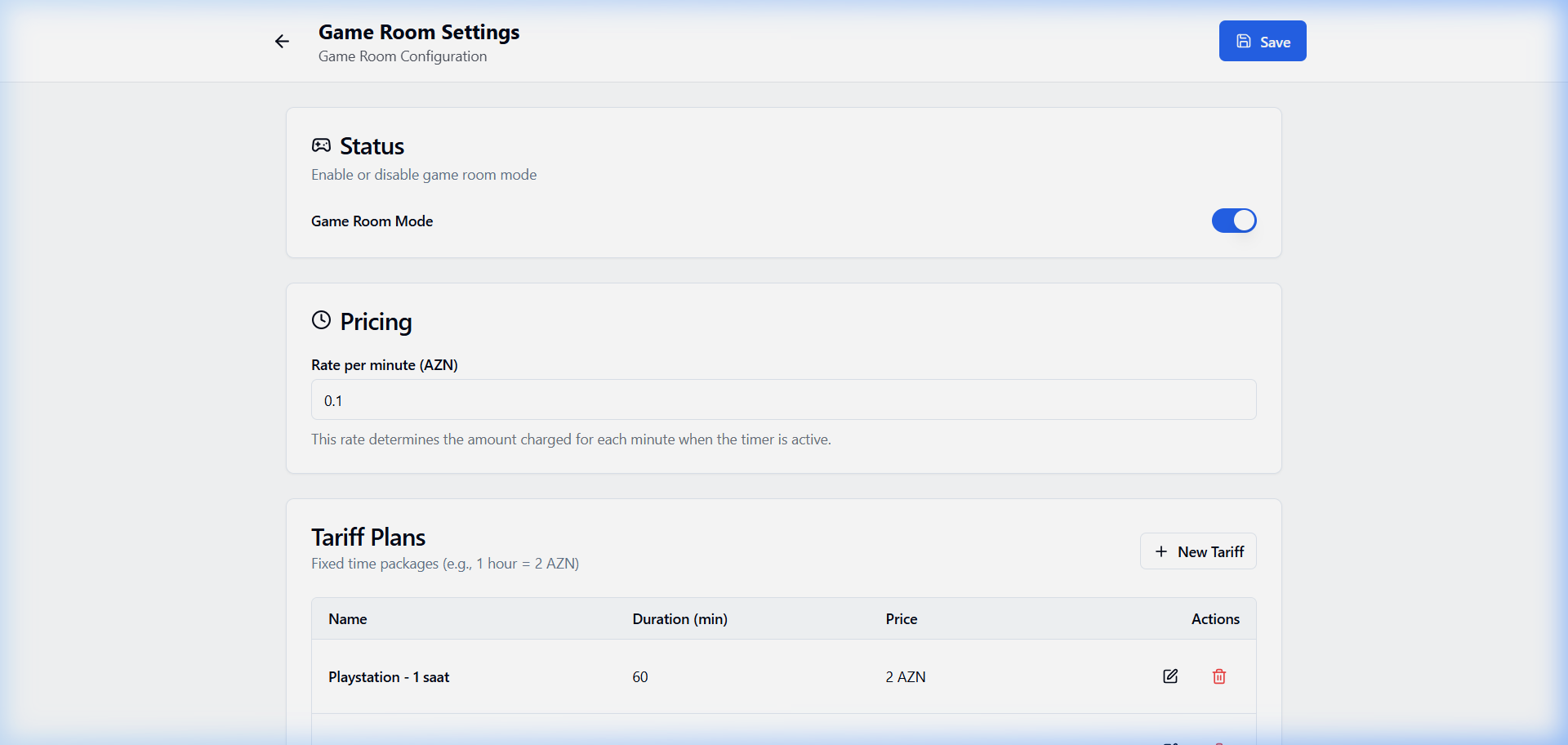
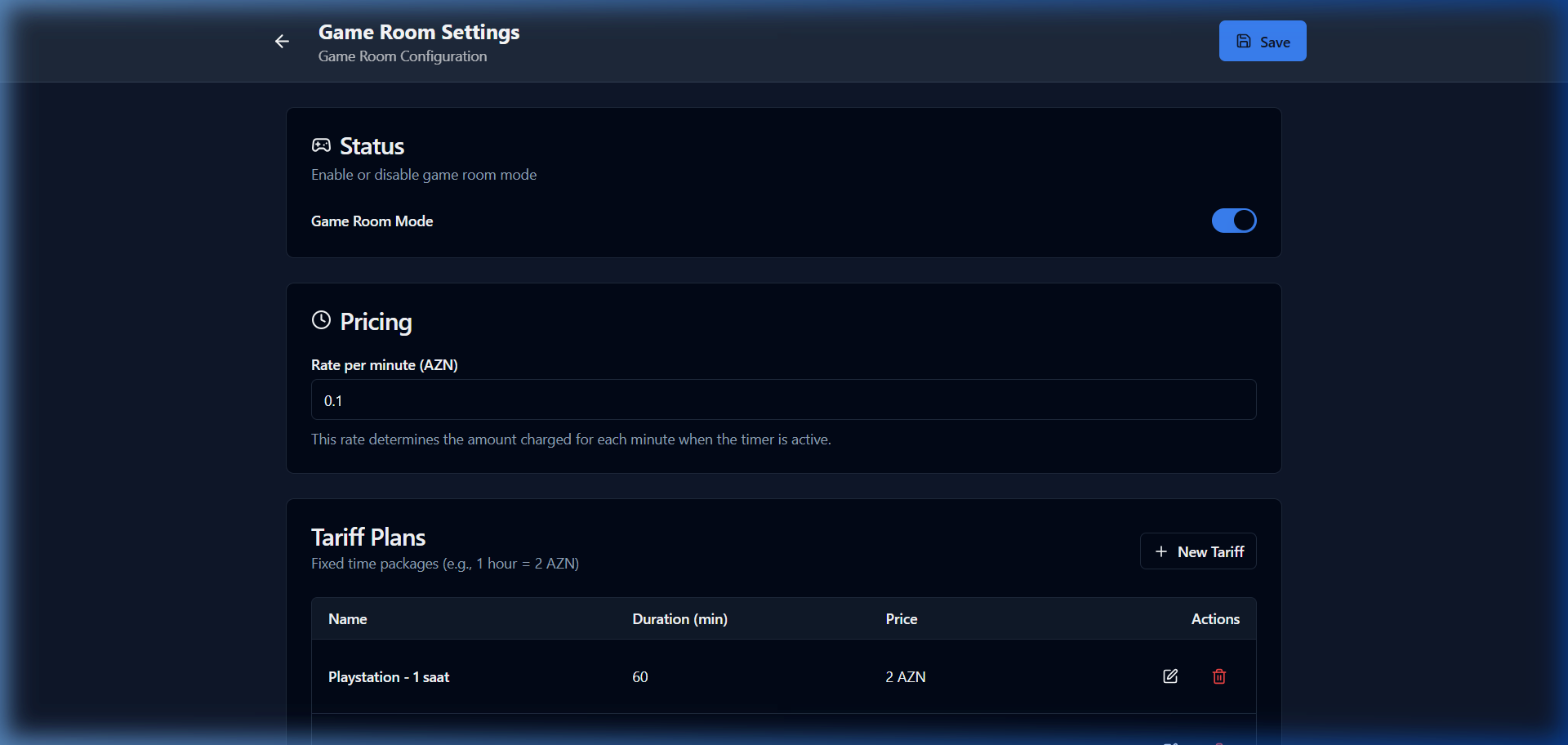
Go to Settings → Game Room. Enable the "Game Room Mode" toggle. Enter the per-minute rate (e.g., 0.1 AZN/min). Add fixed time packages (Tariff Plans) using the "New Tariff" button — for example, "Playstation - 1 hour = 2 AZN".
2. Creating Gaming Tables
Go to Settings → Tables. Create a separate Group (Zone) for each game type — for example, "PS5 Zone", "PS4 Zone", "Billiards". Under each group, add the corresponding tables (e.g., PS5 - VIP, PS5 - Standard).
💡 Tip: Create a different "Group" for each game type to make management easier.
3. Time and Hourly Rate Tracking
When a customer starts playing, activate the table. The SmartApp system runs a timer in the background — you can see the current order details and elapsed time. Additional orders (tea, snacks, etc.) are added to the table's tab.
4. Completing an Order
When the game session ends, click on the table and press "Complete". The system automatically combines game time + additional orders and calculates the total. Payment can be accepted in cash or by card.
Why Choose SmartApp for Your Gaming Lounge
Manage your gaming lounge business not with old methods, but with the modern SmartApp.az system, more transparently and easily!
Share
Reviews
No approved reviews yet.
Related articles
 starFeaturedHow to Use
SmartApp Business Panel: A-to-Z Registration and Full Management Guide
Step-by-step illustrated guide covering everything from registering on the SmartApp.az system to managing tables, menus, QR orders, cash register, and staff.
 starFeaturedHow to Use
SmartApp.az User Panel: A to Z Guide for Registration, Subscription Management, and Analytics
A complete guide to the SmartApp.az user panel, covering everything from logging in, choosing subscription plans, payments, invoices, sales analytics, and location settings.
 How to Use
Smart Control of Restaurant Inventory & Raw Material Stock: A Step-by-Step Guide
A complete guide to registering raw materials, assigning ingredients to dishes, and managing automatic depletion using the SmartApp.az inventory module.